Locker Room Planner
Plan your perfect locker room in three simple steps. No account required. Just enter your room dimensions, add lockers, and request a quote when you're done.
Room Dimensions
Measure your locker room and enter the length of each wall below. If a wall has a door or window, click the button under that wall to mark it so lockers won't be placed in those areas.
Timeline helps us prioritize production. Funding helps us tailor your quote and payment options.
Add Lockers
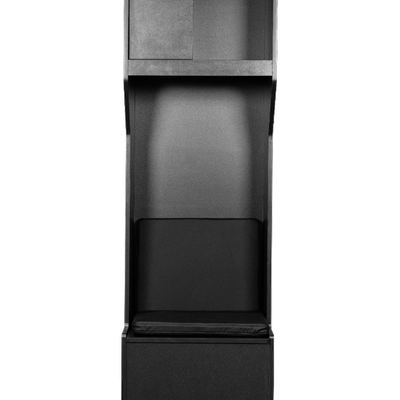
Pick a locker model, choose your size, color, and any accessories. Set the quantity and click Add. They'll appear on the layout below where you can drag them into position.
Review Your Layout
You've turned ideas into a real layout across your rooms. Your project estimate PDF — with the 3D view and full line-by-line pricing — was saved to your device when you submitted, ready to share with donors, leadership, or your next meeting. We're thrilled to pick up from here with you and help turn this plan into the locker room your team deserves.
Order Summary
| Product | Qty | Subtotal |
|---|---|---|
| No lockers placed yet. Add lockers above to see your order here. | ||
| Subtotal | $0.00 | |
| Estimated Total | $0.00 | |
Shipping isn't included in this estimate.
We'll add shipping to your final order once we've agreed on everything with you.
We'll send a copy of your layout to your email and to our team so we can help you execute on your dream locker room.